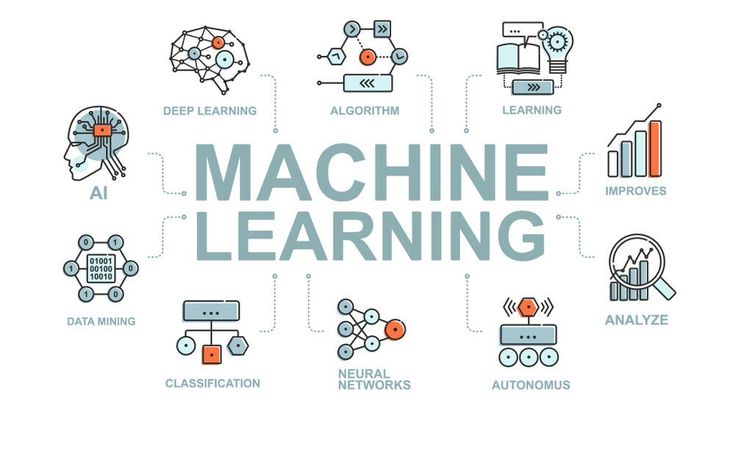
The Moment Everything Clicks
Now consider the ease of typing a few dozen lines of code to create a program to predict things like the species of a flower, the price of a house, or the likelihood of an email being spam without coding the rules to do so. The first machine learning model students build that makes a prediction draws students to the field of machine learning. Students feel drawn to this model because building this model feels like they are teaching the model more than coding to create a program.
Now consider being a beginner in the field. Most beginners feel the same thing when attempting to arrive at that moment. Most beginners have the impeding thought of, “I don’t know where to start.” A beginner can best describe the field of machine learning as a tall pile of equations, new libraries, and a jargon consisting of phrases like “gradient descent,” “hyperparameters,” and “neural networks.” Most tutorials to not help because they either get stuck in theory or jump to deep learning frameworks with an inherent assumption of a user being aware of a training loop.
This guide assumes no background knowledge and old the old theories of machine learning aside. We will begin to build our first machine learning model together from scratch, set up our environment, and when finished, we will have a model that is ready to run. Even better, we will have a model that is ready to run that we will be aware of what it learned, in a way of explaining that to a reasonable audience. You will run code that you wrote and did not take from the Internet, and you will have a solid understanding of all the steps that you can explain to a friend. You will be able to tweak it and, even better, you will be able to use it as a launching pad for your next project.
Why Many Beginners Get Bogged Down Before They Even Start
There’s no need to dive into the guide before we identify the real issue. Beginners don’t get stuck due to a lack of resourcefulness. They get stuck because they can’t identify the first, small, actionable step they need to start making progress. Here are the four obstacles that keep most students stuck before they have a chance to write a single line of code.
– Cognitive overload: A search for “machine learning for beginners” provides thousands of results. It is impossible to know which ones will help someone take their first practical steps or if they will be given a 10 minute presentation or a 40 hour lecture.
– Starting with deep learning too soon: Many courses jump to teaching neural networks that require an understanding of backpropagation, a powerful GPU, and a large dataset, before students are even introduced to the very first machine learning project.
– Setting machine learning up is frictional: Before learning even starts, installing Python, configuring a code editor and a dozen Python libraries can easily take the entire afternoon.
– Jumping to code without a feedback loop: Many beginners copy and paste a tutorial’s code and run it. Without knowing how to properly interpret a computer’s output, many beginners have no idea the significance of the output they received.
The guide below is designed to help you avoid all four obstacles. It incorporates a small and straightforward dataset, a very easy to use and implement machine learning library, a five minute set up and clear checkpoints that will help you stay on track.
Things You Need Before You Start
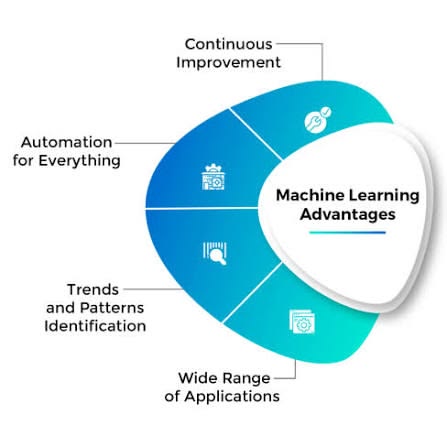
You don’t need an expensive course, a high-end computer, or expertise in higher maths. This can be done on just about any computer (including laptops) from the last 10 years, and all of it is free. The requirements are:
– An Internet connected computer (all operating systems work).
– Either Python 3.8 or later or a free Google Colab account.
– The libraries of scikit-learn, pandas, and matplotlib.
– 45–60 minutes of uninterrupted time.
Google Colab is a great option if you want to completely skip installing anything. The site runs Python in your browser, has all of these libraries installed, and saves your work to Google Drive.
What Should Your First Project Be? The Iris Flower Classifier
The point of your first ever machine learning project is not to create an industry disrupting program, but rather, to make a project that you completely understand. That is why the first project we are going to do is with the Iris dataset. The dataset is a small collection of measurements of 150 flowers, which have been the first example of machine learning for decades.
Each example in this dataset has the 4 measurements of flowers, which are, the measurements of the flower’s (and its leaf’s) length and width, and also which of the 3 species the flower is from (Setosa, Versicolor, or Virginica). Your job is to create a model which will predict the species of an unseen flower based on these 4 measurements it has.
This project is good as a starter ML project for students for several reasons. The dataset is small enough that it can be loaded quickly. It is also relatively clean, allowing us to skip some of the traditional time-consuming preparation steps for a dataset. Additionally, the simplicity of the dataset simplifies the reasoning for results from the model and allows us to understand what the model does correctly and where it goes wrong.
Building Your Model: A Step By Step Guide
Step 1: Set Up Your Work Space
If you are on Google Colab, just open a new notebook on colab.research.google.com. If you are working on your personal device, open a terminal and enter the following command to get the required libraries:
pip install scikit-learn pandas matplotlib
Step 2: Load the Dataset
The Iris dataset is included in scikit-learn, so it does not need to be downloaded. Load it in your notebook or script. Here is some sample code that also shows you how to do a quick preview of the data.
from sklearn.datasets import load_iris import pandas as pd iris = load_iris() df = pd.DataFrame(iris.data, columns=iris.feature_names) df[‘species’] = iris.target print(df.head())
This code prints the first 5 examples from the dataset. It is a good practice to preview the data and helps you stay in the habit of doing so in future projects.
Step 3: Split Your Data
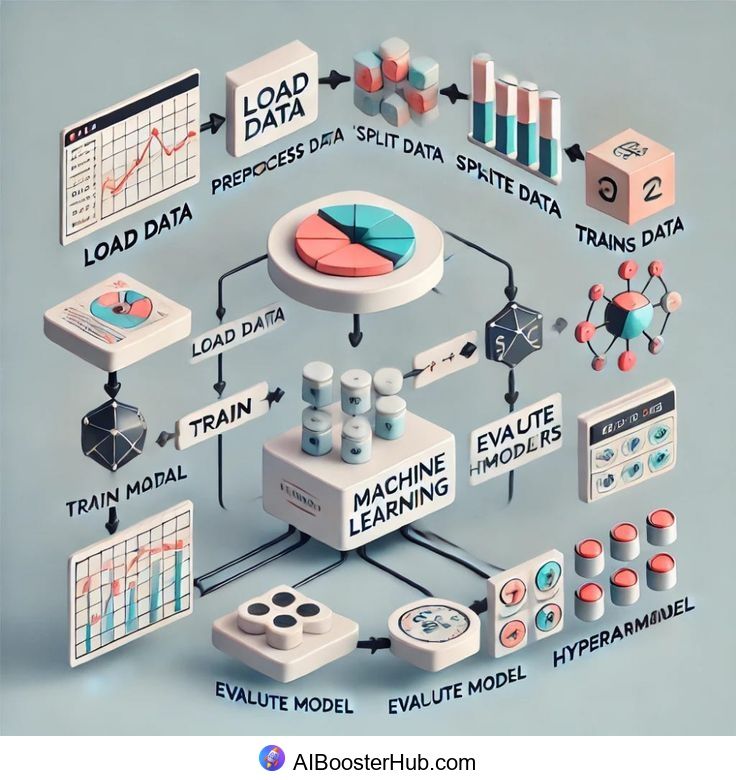
A model that is only being tested on data that it has memorized is of no use. This is why machine learning projects always have a separated portion of the data that the model is not trained on. This portion is used to test the model and validate that it has learned a generalizable pattern.
from sklearn.model_selection import train_test_split
X_train, X_test, y_train, y_test = train_test_split(
iris.data, iris.target, test_size=0.2, random_state=42
)
In this case, 80% were assigned to the training set and 20% were assigned to the test set. The value of the random_state makes the split consistent. You’ll get the same split each time you execute the program.
Step 4: Choosing and Training a Model
An excellent model to start with is the decision tree classifier. The logic is simple, the output is very intuitive, and it doesn’t require optimization for the parameters to give good results. The working of the model is also similar to the logic of a human brain. It makes a set of decisions based on the answers to a number of questions in a sequential way.
from sklearn.tree import DecisionTreeClassifier
model = DecisionTreeClassifier(random_state=42)
model.fit(X_train, y_train)
The learning of the model happens here. The model examines the training data and decides on the classification of the data based on the ranges of the attributes. The model then builds rules for making those decisions.
Step 5: Checking the Learning of the Model
The learning of the model is tested here. You are going to see the performance of the model on data it has not been trained on.
from sklearn.metrics import accuracy_score
predictions = model.predict(X_test)
print(“Accuracy:”, accuracy_score(y_test, predictions))
On this data set, a decision tree usually gives an accuracy of 93 to 100 percent. If you achieved a similar value, you should be proud of yourself, as you have trained, tested and validated your first machine learning model.
Step 6: Make a Prediction on New Data
We now get to the best part. We can input the model with a completely new measurement of a flower that the model has not seen at all:
new_flower = [[5.1, 3.5, 1.4, 0.2]]
prediction = model.predict(new_flower)
print(“Predicted species:”, iris.target_names[prediction[0]])
This completes a basic introduction to applied machine learning. You create a model, supply it with a new input, and in a matter of milliseconds, it provides you with a valuable, data-driven prediction.
What You Just Learned: Concepts Behind the Code
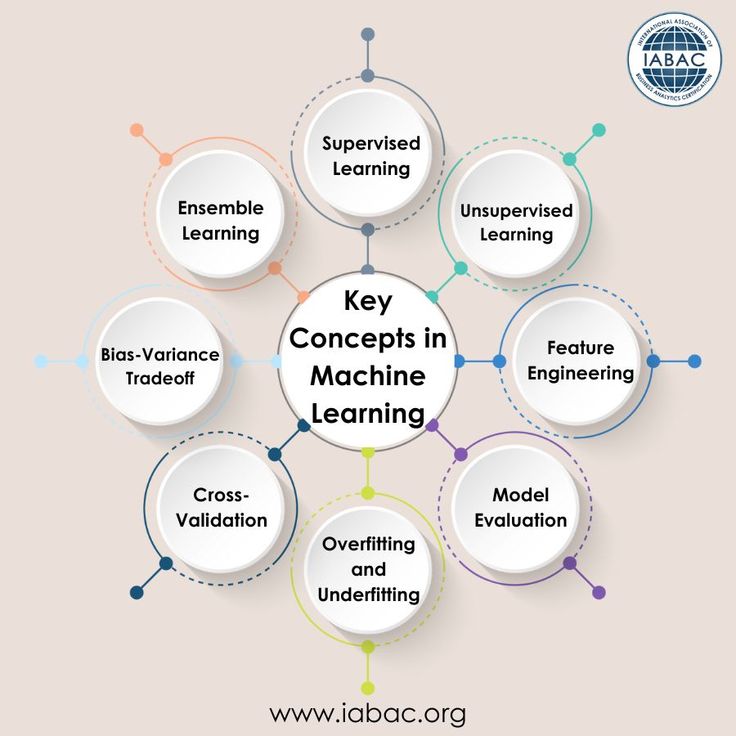
It is good to sometimes take a step back and put a name to some of the ideas you have just used, since they can be applied to almost any of the beginner machine learning projects you will do in the future:
– Features and labels: The four measurements of the flower are the features (the inputs), and the flower species is the label (the output which you are predicting).
– Training and test sets: The division of the set of data enables you to avoid the situation of thinking a model works when it has, in fact, memorized the answers.
– A model: An algorithm which is to be used to identify patterns in the training data and then to represent these patterns in a reusable format, in this case, a decision tree.
– Accuracy: A simple measure which indicates the proportion of correct predictions made by the model on the test data.
– Overfitting: A situation in which a model performs well on the training data, but poorly on any new data, which is often the result of the model memorizing noise rather than deriving a general pattern.
All of the concepts you have just learned are foundational concepts that will be seen at more advanced levels of machine learning. The same train-test-evaluate loop is the backbone of recommendation systems, image recognition systems, and very large language models. You have just practiced the single most fundamental concept of machine learning.
Frequent Errors by Beginners (and How to Steer Clear of Them)
– Testing model performance using training data: This always results in an overly optimistic model. Always use an independent data set to evaluate your model.
– Picking a complex model to begin with: For teaching purposes, a decision tree or K-nearest neighbors will work just fine. Complicated models with lots of parameters can be introduced in future lessons.
– Evaluating data in the model: Skipping the step of evaluating the data can result in overlooking empty data or class imbalance.
– Striving for model accuracy to be as high as possible: Striving for a project model to achieve an accuracy of 100% is usually a sign that the data has not been split or that the evaluation has been done incorrectly.
When You Should Apply This
It can be easy to say that the usage of a small classroom dataset like the Iris dataset is “just an example of a classroom exercise.” However, the steps that were just performed are the same, and can, and should, be used for real world applications. Data classification for identifying spam email uses the same train-test-evaluate loop. Predicting which shows that you will likely enjoy uses the same methods (in fact, a segmented population to predict which people will like a given show likely uses the same methods). Predicting the likelihood a patient will get a disease that a given measure will make a difference uses the same methods.
The examples from advanced practitioners and beginner projects contrast in scale and importance, but they are united by the same cycle: gather more examples with labels, split your data, train a model, evaluate it, and deploy it to predict on previously unseen cases. Because of the consistency of the embedded loops in the machine learning projects, beginner machine learning tutorials are a great way to get started on the actual machine learning process. The tutorials aim to teach the actual loops done in machine learning at a scale more comfortable for the beginner.
There is also a goal of similar consistency in instructor feedback. Instructors would prefer a beginner to reveal project details including, but not limited to, data partitioning, accuracy definitions and goal assessments over describing the latest and most complex neural network model. Being able to describe your process in detail, including data splitting and potential accuracy errors, is a solid project foundation and a much greater achievement than referencing a model you have never implemented.
Where to Go From Here
The opportunities are clear to you and your audience. The immediate next step may be to implement a new model on the same data and draw accuracy comparisons. From here each of the experiments can become larger in scope by using newer, larger data or control inputs, but none of these require new machine learning frameworks. Each of these will build your intuition and understanding further.
At this stage of your learning, beginning a simple project log is a good habit. You will need to record what model you used in each experiment, what settings you adjusted, and what accuracy you obtained. This habit, not any singular tutorial, is what differentiates those students who get stuck after their first project and those who keep developing a portfolio of work they understand and can articulate.
Ready to Build Your Next Model?
The first machine learning model you build is a significant achievement, but remember, this is the beginning of a much longer journey. At RapidAI360, we create hands-on learning pathways designed to help students who have gone from ‘I completed a tutorial’ to the level where they can construct and articulate complex machine learning projects.
If this guided you to your first model, check out the RapidAI360 beginner to advanced machine learning pathway. We incorporate guided projects, mentoring, and real-world data to build a portfolio. Your first model is complete, now let’s work on your next ten.
Frequently Asked Questions
Do I need advanced mathematics to build my first machine learning model?
No. This walkthrough included no calculus or linear algebra. You just need a little logical thinking and a comfort with variables. You can build and understand your first project. You will require more advanced math to understand how algorithms function, but this is not required to get started.
What is the best programming language for beginners in machine learning?
Considered the industry standard for a reason. Python is the most popular option for beginners. It incorporates the most libraries, features, and beginner-specific resources. It also has the biggest, most active community.
How long does it take to do a simple ML project for students like this one?
Using the previous example as a reference, a project of this nature (with no prior experience) can take between 45 to 60 minutes for a first iteration, including all the necessary setup. Once you’re familiar with the steps, similar projects can easily take 15 to 20 minutes.
Is scikit-learn enough or do I need TensorFlow or PyTorch right away?
At this stage, scikit-learn is more than enough to build your first ML project and complete most of the fundamental ML tasks. TensorFlow and PyTorch are both powerful frameworks that are built for deep learning. It is recommended you learn them after you’re confident about the topics that have been covered.
What is a good second project to do in machine learning?
A good next project to do is a regression task, for example, creating a model that predicts house prices based on the area and the number of bedrooms, using the train-test-evaluate process that you just completed.
Can I do this machine learning tutorial for students on a phone or tablet?
This machine learning tutorial can be followed on mobile as Google Colab is browser based; however, for a smoother experience, a computer is highly recommended, particularly for the first project.
The Iris Dataset: Is It Real World Applicable?
The Iris dataset is not intended for real-world application and is used almost exclusively for teaching and demonstration purposes because it is small and easily understood. What is used in industry is the actual workflow you’ve practiced on it — loading data, splitting, training a model, and evaluating it, which is why mastering these concepts using a simple dataset pays off when you switch to real, messy datasets.
What Happens If the Accuracy Score is Less than What I Expected?
It’s okay if the score is less than what you expected. The initial ML models built by beginners often have subpar accuracy, and a lower accuracy score is often more informative than a ‘perfect’ accuracy score. We need to verify that we are applying the correct train-test split, and remember that even the best data scientists won’t have a great score on the first attempt.